It’s Official: Amazon is Now FULLY Disabling “Piracy” Apps (The End of Sideloading?)
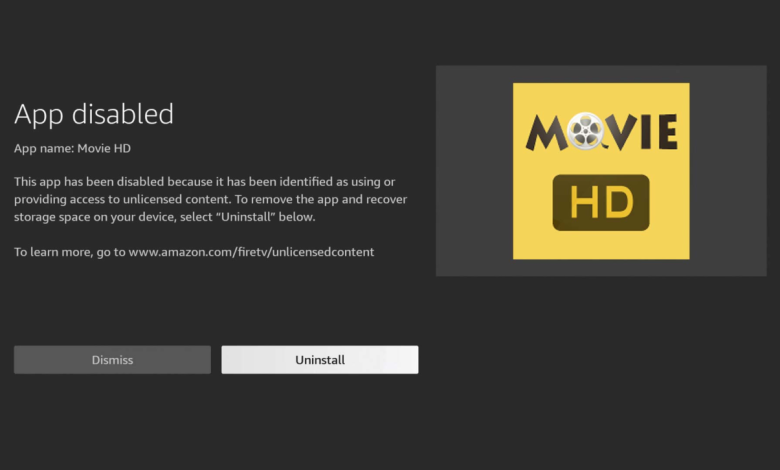

Guys, we knew this was coming. I’ve been warning you about the “Warning” messages for weeks, but now it’s official. The days of the “wild west” on Firestick are pretty much over.
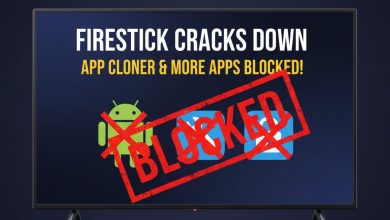
According to a new report from AFTVnews, Amazon has officially flipped the switch. They are no longer just “warning” you about unofficial apps—they are fully disabling them.
If you thought you were safe because you had an older Firestick or you were using a VPN, you need to read this. Here is exactly what is going down.

The “Warning” Was Just Phase 1
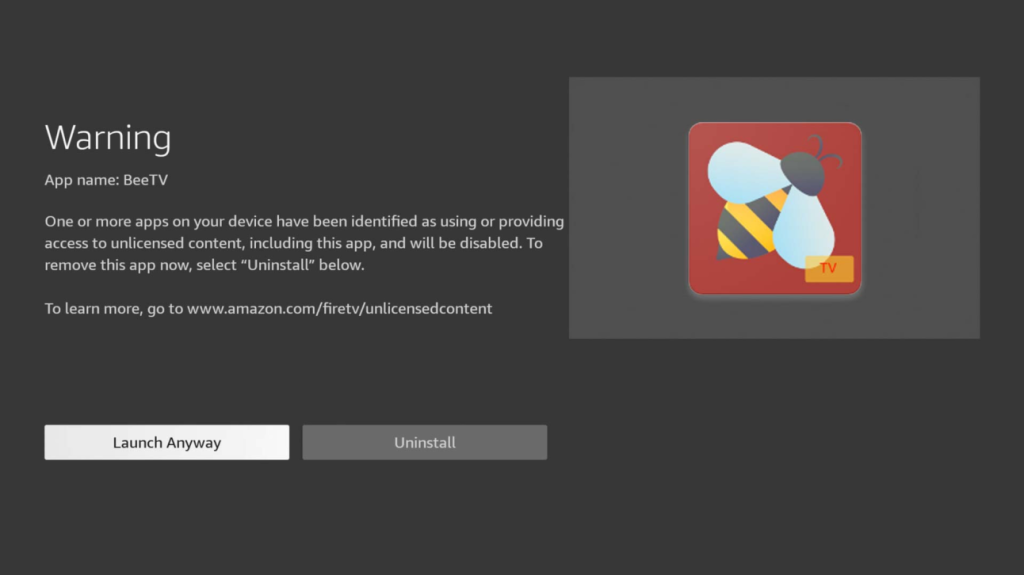
Remember that scary pop-up message people started seeing a few weeks ago? The one that said:
“WARNING: One or more apps on your device have been identified as using or providing access to unlicensed content…”
Well, that was just Amazon being polite. AFTVnews has confirmed that Amazon is now rolling out Phase 2, where they don’t just warn you—they remotely disable the app entirely.
If Amazon’s system (which is now powered by data from the Alliance for Creativity and Entertainment, or ACE) flags an app on your device as “piracy-linked,” it will simply stop opening. You can’t launch it. You can’t clear the cache to fix it. It’s bricked.
Why Is This Happening Now?
Amazon is under massive pressure to clean up its platform. They aren’t just a hardware company anymore; they are a major streaming service (Prime Video) and they are tired of people buying cheap sticks to bypass subscriptions.
By partnering with ACE, Amazon now has a direct database of “naughty” apps. When ACE says “Jump,” Amazon asks “Which app do you want me to delete?”
Is Sideloading Dead?
Technically, no. You can still sideload apps for now. But what is the point of sideloading an app if Amazon can reach into your device and turn it off five minutes later?
This isn’t just about the new Vega OS (which we know blocks everything). This crackdown is hitting older FireOS devices too. It’s a server-side block, meaning your device checks in with Amazon, sees the blacklist, and kills your apps.
The Solution? (Hint: It’s Not a Firestick)
I’ve said it before, and I’ll say it again: Stop buying Amazon Firesticks.

If you want a device that you actually own—where you can install what you want without Big Brother Bezos deleting it—you need to move to stock Android TV or Google TV.
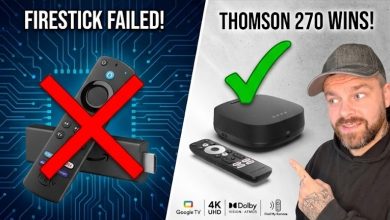
Right now, my top recommendation is the Thomson 270.
- ✅ It runs Google TV (Open Android).
- ✅ It has 32GB of storage (Firestick has 16GB).
- ✅ It has an Ethernet port built-in.
- ✅ Amazon cannot delete your apps.
You can check out my full breakdown of why the Thomson 270 is the new King of Streaming here: 👉 Thomson 270 vs Firestick: The Best Replacement for 2026
Protect Yourself
If you are still rocking a Firestick and want to try and ride this out, you must be using a VPN. While a VPN can’t stop Amazon from deleting an app off your device, it does stop your ISP from seeing what you are doing, which is more important than ever now that crackdowns are ramping up.
The Bottom Line
The update is rolling out globally right now. If your favorite app hasn’t been blocked yet, it’s likely just a matter of time.
Let me know in the comments—has Amazon killed any of your apps yet? Or are you finally ready to switch to the Thomson 270?